Every WooCommerce store starts with the same goal: turning visitors into paying customers. While good products and pricing matter, the tools you add to your store often decide how easily customers discover products, trust your brand, and complete their purchase. The right plugins can simplify promotions, improve store performance, guide shoppers to relevant products, and remove friction during checkout.
WooCommerce’s flexibility makes it possible to extend your store in many directions. Some plugins help you run smarter promotions and discounts. Others improve search, speed, product discovery, or customer engagement. Together, these improvements shape the buying experience and directly influence the conversion rate.
In this article, we’ll look at some of the most useful WooCommerce plugins that can help increase sales. Each plugin solves a specific problem that affects conversions, making it easier for store owners to attract customers, build trust, and drive more purchases.
#1 Smart Coupons for WooCommerce
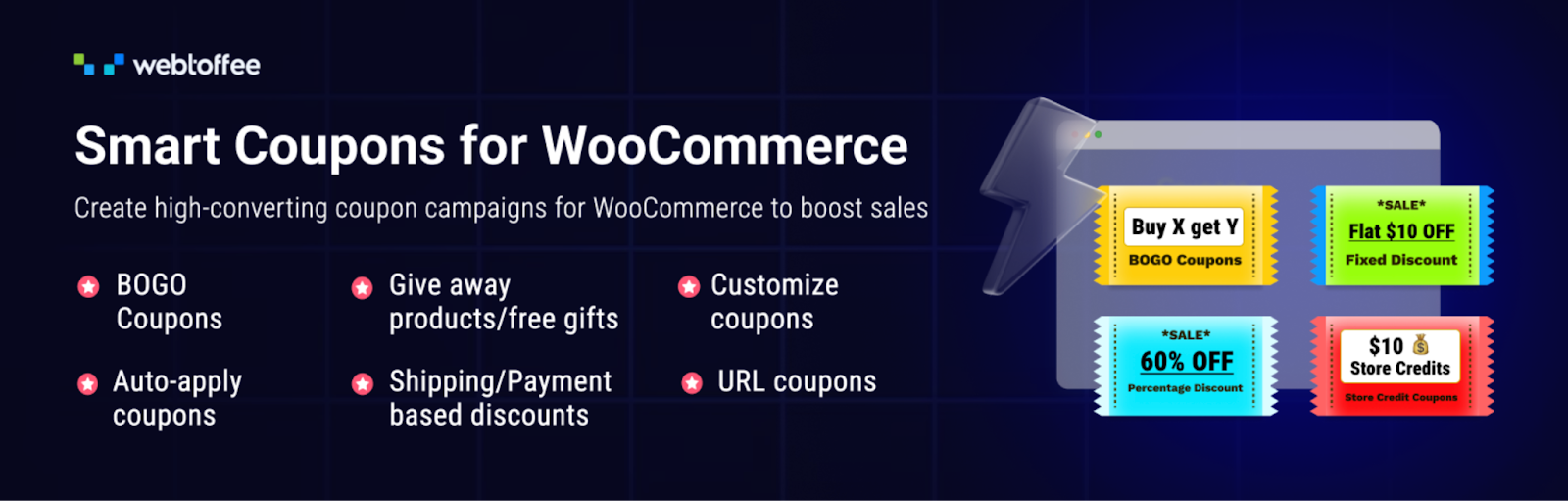
Discounts and promotions can be powerful drivers of sales when used strategically. Smart Coupons for WooCommerce extends the WordPress coupon system, giving store owners greater control over how offers are created, delivered, and redeemed. With better promotion in place, it becomes easier to attract new customers, encourage repeat purchases, and increase average order value.
The plugin allows you to create advanced coupon campaigns that go far beyond percentage discounts. You can run BOGO deals, automatically apply coupons at checkout, and set detailed usage conditions that control when and how discounts are triggered. This makes it possible to design targeted promotions that push customers to add more items to their cart or complete a purchase faster.
Smart Coupons also supports gift promotions, abandoned cart coupons, and welcome coupons for new users. These features help bring customers back to complete purchases and build loyalty over time. Together, these tools give WooCommerce stores a flexible way to run sales campaigns that convert more visitors into buyers.
#2 LiteSpeed Cache for WordPress

Store speed plays a major role in online sales. When pages load quickly, customers can browse products smoothly, search results appear faster, and checkout feels responsive. LiteSpeed Cache for WordPress helps WooCommerce stores improve performance by combining server-level caching with a wide range of built-in optimization tools.
The plugin’s core strength lies in its advanced caching engine that works directly with LiteSpeed servers to reduce page load time. Faster page load times mean shoppers can view product listings, product pages, and category pages without delays. Along with caching, the plugin includes optimization options such as CSS, JavaScript, and HTML minification, file combination, and automatic generation of critical CSS to prioritize the most important content on each page.
LiteSpeed Cache also includes image optimization tools that compress images and deliver them in modern formats to reduce page weight. These improvements make browsing smoother and help WooCommerce stores retain visitors long enough to turn them into customers.
#3 Widgets for Google Reviews
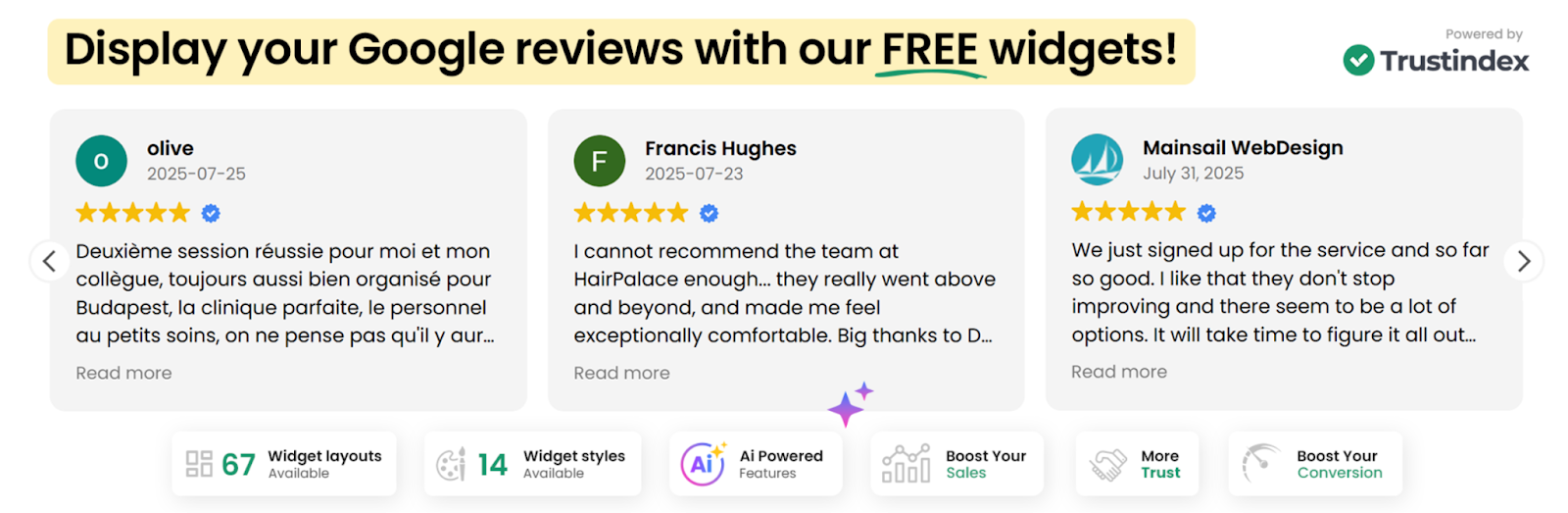
Customer reviews often influence buying decisions more than product descriptions or marketing copy. Widgets for Google Reviews help WooCommerce store owners display real customer feedback directly on their website, making it easier for visitors to trust the brand and feel confident about making a purchase.
The plugin allows you to showcase Google reviews using ready-made widget layouts that blend naturally. You can choose from multiple widget styles and place them on product pages, landing pages, or the homepage to highlight positive customer experiences. Filtering reviews by rating helps you spotlight your strongest feedback, while showing review replies adds context and demonstrates active customer support.
With a wide range of widget layouts and styling options available, store owners can present customer feedback in a way that strengthens credibility and encourages more shoppers to move forward with a purchase.
#4 WooCommerce Product Feed
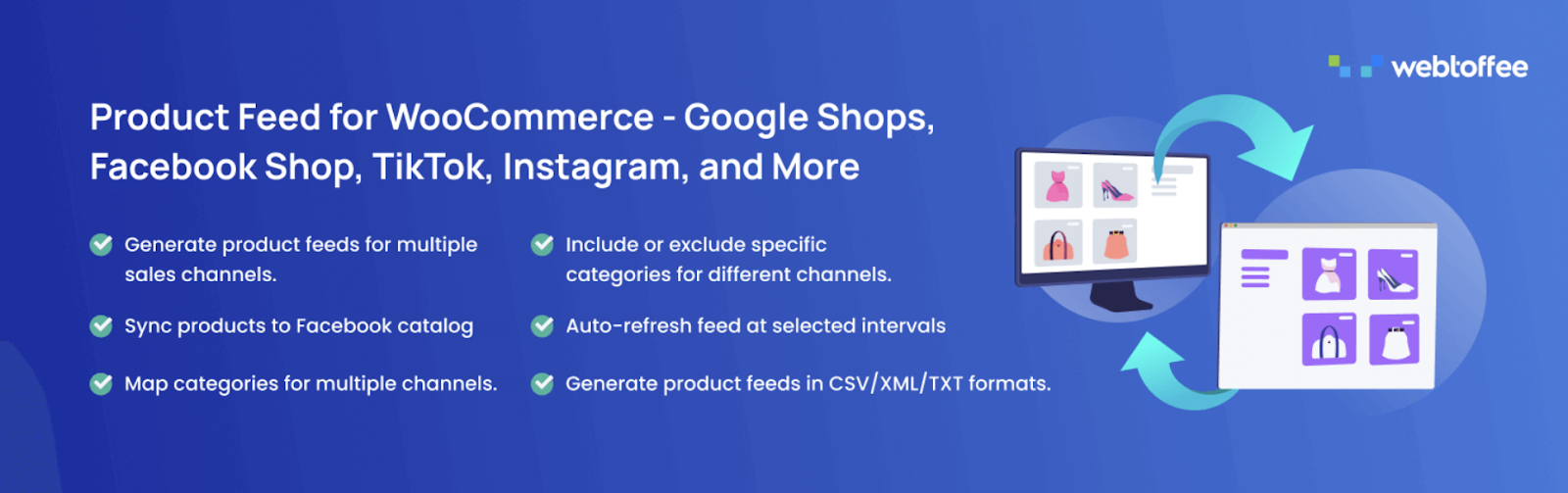
Reaching customers outside your website is often the fastest way to grow sales. WooCommerce Product Feed plugin helps store owners list their products across popular shopping platforms and marketing channels, making it easier for potential buyers to discover products and visit your store.
The plugin allows you to generate structured product feeds directly from your WooCommerce catalogue. These feeds can be used to submit products to platforms such as Google Shopping and other comparison or advertising channels. Once your products appear on these platforms, shoppers searching for related items can discover your listings and land directly on your product pages. This expands your store’s visibility and brings in high-intent traffic that is already looking to purchase.
To make feed creation more flexible, the plugin lets you map WooCommerce product attributes and categories so that your listings match the requirements of different sales channels. With the ability to generate unlimited product feeds, store owners can promote their catalog across multiple channels and consistently drive new traffic and sales back to their WooCommerce store.
#5 Ivory Search

Product discovery plays a major role in WooCommerce sales. When customers can quickly find the products they are looking for, they are more likely to continue browsing and complete a purchase. Ivory Search improves the WordPress search system and gives store owners greater control over how customers search their website.
The plugin allows you to create multiple custom search forms and configure each one for different purposes. For WooCommerce stores, this means you can build search forms that focus specifically on products, helping shoppers locate items faster without digging through unrelated content. Ivory Search uses an inverted index-based search engine that delivers faster and more accurate results. It can also search WooCommerce products, shortcode content, images, files, and attachments, which helps customers find product-related information more easily across the entire site.
Additional options, such as customizable search forms and built-in search analytics, help store owners understand what visitors are looking for, which can reveal product demand and guide merchandising decisions that drive more sales.
#6 WooCommerce Gift Cards
Gift cards can bring in sales even when customers are unsure about which product to buy. WooCommerce Gift Cards allows store owners to create and sell digital or physical gift cards directly from their WooCommerce store. These gift cards act as prepaid store credit that customers can purchase for themselves or send to someone else.
The plugin lets you create unlimited gift card products and sell them just like any other product in your store. Customers can purchase a gift card and have it delivered by email to the recipient, along with a personal message. The option to schedule delivery makes it convenient for occasions such as birthdays or holidays. Once received, the gift card can be redeemed during checkout, and the value is automatically applied to the order. This helps bring new shoppers to your store while also encouraging repeat purchases.
Store owners can also configure advanced rules to control how gift vouchers are used within the store. In addition, refunds can be issued as store credit, which keeps the value inside your WooCommerce store and increases the chances of future purchases.
#7 Smush Image Optimization
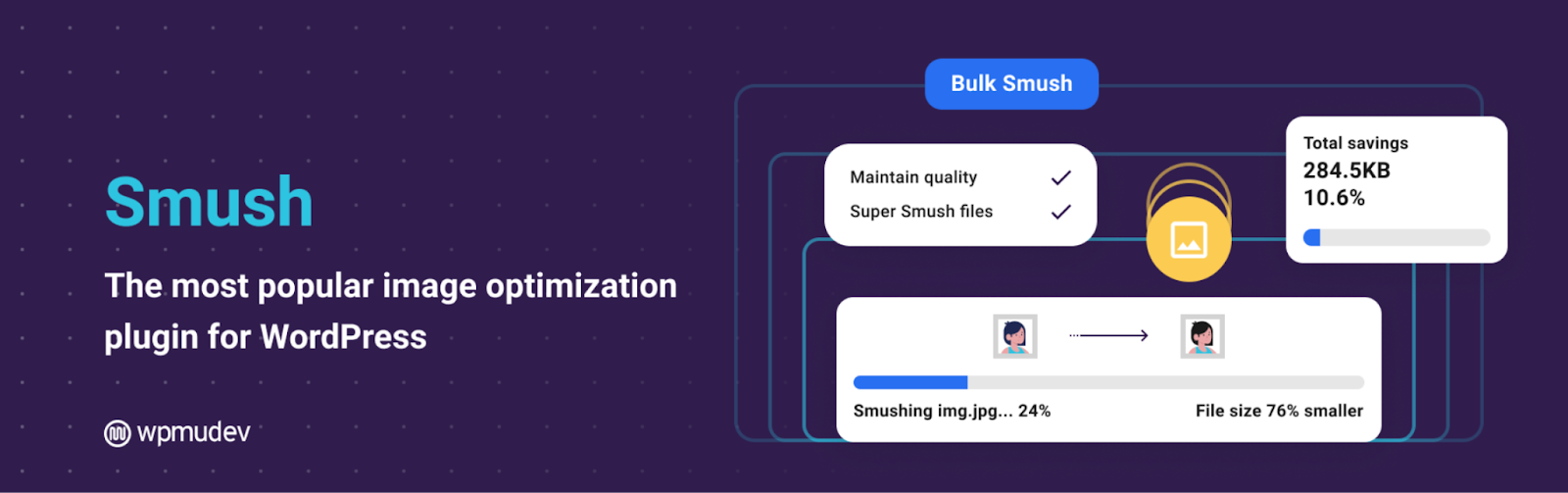
Images play a major role in how customers experience a WooCommerce store. High-quality product images help shoppers evaluate products, but large image files can slow down pages and lead to higher bounce rates. Smush Image Optimization helps store owners maintain visually-rich product pages while keeping their website fast and responsive.
The plugin compresses and optimizes images without affecting quality, reducing file sizes so pages load faster. It removes unnecessary data from images and applies advanced compression techniques that shrink media files while preserving visual clarity. Smush can automatically optimize images as they are uploaded to the media library. The plugin also includes lazy loading, allowing images and videos to load only when they appear on screen, which improves performance on image-heavy product pages.
With faster loading product pages and smoother browsing, customers are more likely to stay longer, explore more products, and complete their purchases.
#8 Accessibility Tool Kit

An online store should be usable for every visitor, including people who rely on assistive technologies. Accessibility Tool Kit helps WooCommerce store owners improve website accessibility and align their site with recognized standards such as WCAG 2.1 Level A and AA, Section 508, and ARIA guidelines. By making the store easier to navigate for all users, businesses can reach a wider audience and avoid losing potential customers due to usability barriers.
The plugin scans your website and identifies accessibility issues that may affect how visitors interact with your store. It highlights problems such as missing form labels, poor color contrast, incorrect heading structures, or keyboard navigation limitations. Once these issues are detected, the plugin can apply code-level adjustments that help resolve them without requiring deep technical work.
For developers and site owners who want to test accessibility more deeply, a free Accessibility Chrome extension is available to run WCAG-based checks on any webpage. By improving accessibility across the site, WooCommerce stores can provide a more inclusive shopping experience and reduce friction that might otherwise prevent visitors from completing a purchase.
#9 WooCommerce Product Recommendations
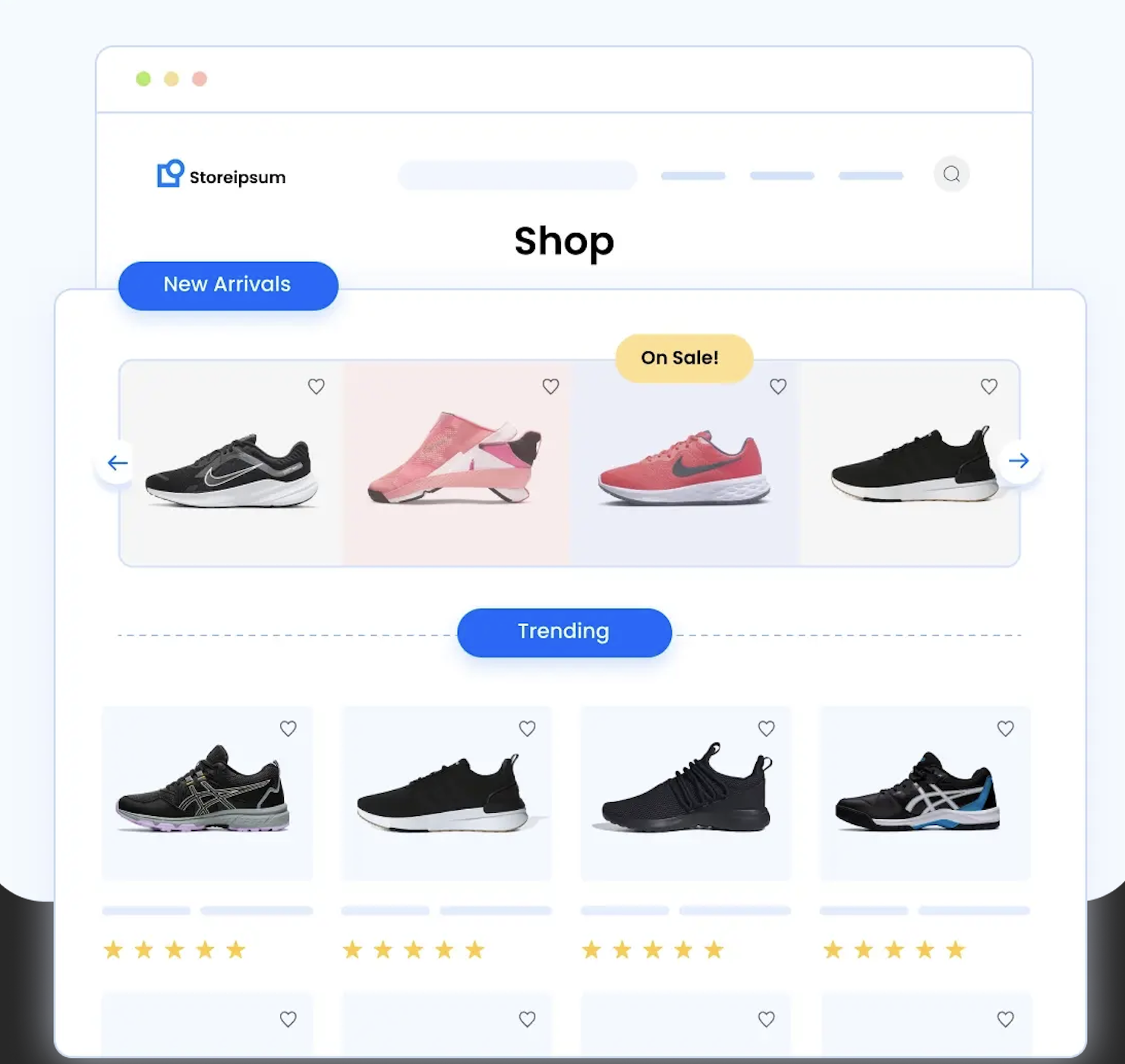
Product recommendations are one of the most effective ways to increase the value of each order. WooCommerce Product Recommendations helps store owners suggest relevant products to customers while they browse, encouraging them to add more items to their cart before completing a purchase.
The plugin can automatically generate recommendations based on different criteria, such as upsells, cross-sells, best-selling products, frequently bought together items, and recently viewed products. These recommendations can be displayed on product pages, category pages, or other key areas of your store where customers are already engaged. By showing related products at the right moment, the plugin helps customers discover items they might otherwise miss, which often leads to a higher average order value.
Store owners can choose where and when recommendations appear and select from built-in templates to match their store layout. The plugin also supports all WooCommerce product types and allows recommendations to be displayed in grid or slider formats. With flexible placement and automated product suggestions, it becomes easier to guide customers toward additional purchases.
#10 Checkout Field Manager
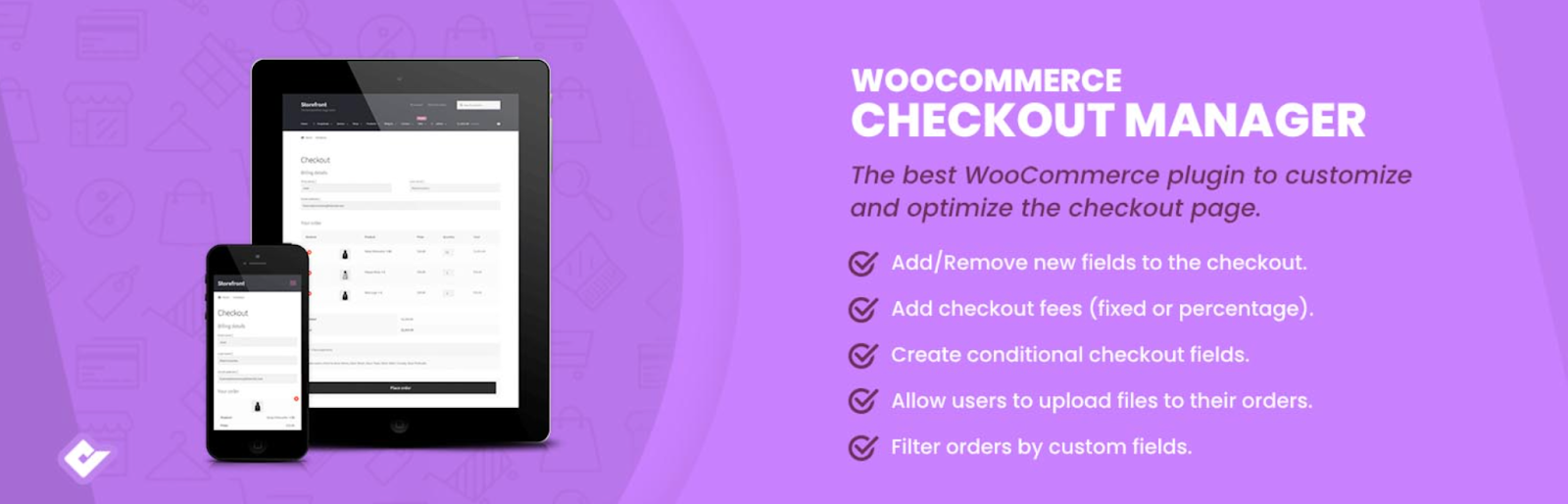
A complicated checkout can easily push customers away at the final step of a purchase. Checkout Field Manager for WooCommerce helps store owners simplify and customize the checkout experience so customers can complete their orders with less friction.
The plugin gives you full control over the fields shown on the WooCommerce checkout page. You can remove unnecessary fields, rename labels for better clarity, and rearrange the order of fields to create a smoother flow for customers. It also allows you to add custom fields to the billing, shipping, or additional sections, which can be useful when collecting specific information required for certain products or delivery options.
With a more organized and user-friendly checkout, customers are less likely to abandon their carts and more likely to complete their purchases.
#11 URL Coupons for WooCommerce
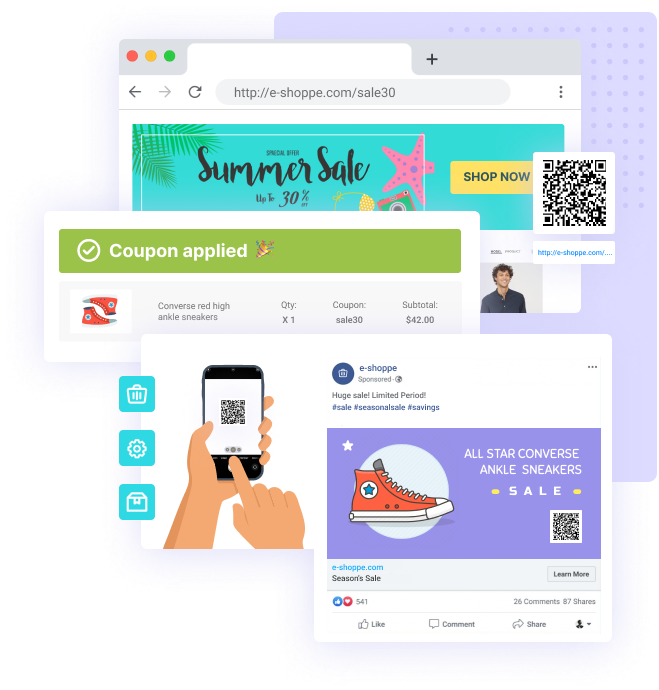
Promotions work best when customers can redeem them quickly without extra steps. URL Coupons for WooCommerce simplifies the coupon experience by allowing discounts to be applied automatically when customers click a special link. This makes promotional campaigns easier to run and increases the chances that customers will complete a purchase.
The plugin lets store owners generate unique coupon URLs that apply discounts instantly when a customer visits the link. This removes the need for customers to manually copy and paste coupon codes during checkout. You can also associate specific products with a coupon link so that when customers click the URL, those items are automatically added to the cart with the discount already applied.
By reducing the steps needed to redeem offers, the plugin helps turn promotional clicks into actual sales.
#12 Weglot

Selling to a global audience becomes much easier when customers can browse your store in their own language. Weglot helps WooCommerce store owners translate and localize their website so international visitors can understand products, navigate the store comfortably, and complete purchases with confidence.
The plugin automatically translates your website into more than a hundred languages using trusted translation engines such as DeepL, Google Translate, and Microsoft Translator. It also includes an AI-powered language model that helps refine translations so they better reflect your brand’s tone and style.
Once enabled, Weglot detects your site’s content and creates translated versions that customers can switch between instantly. This allows stores to serve international shoppers without manually translating every page.
#13 Request a Quote for WooCommerce
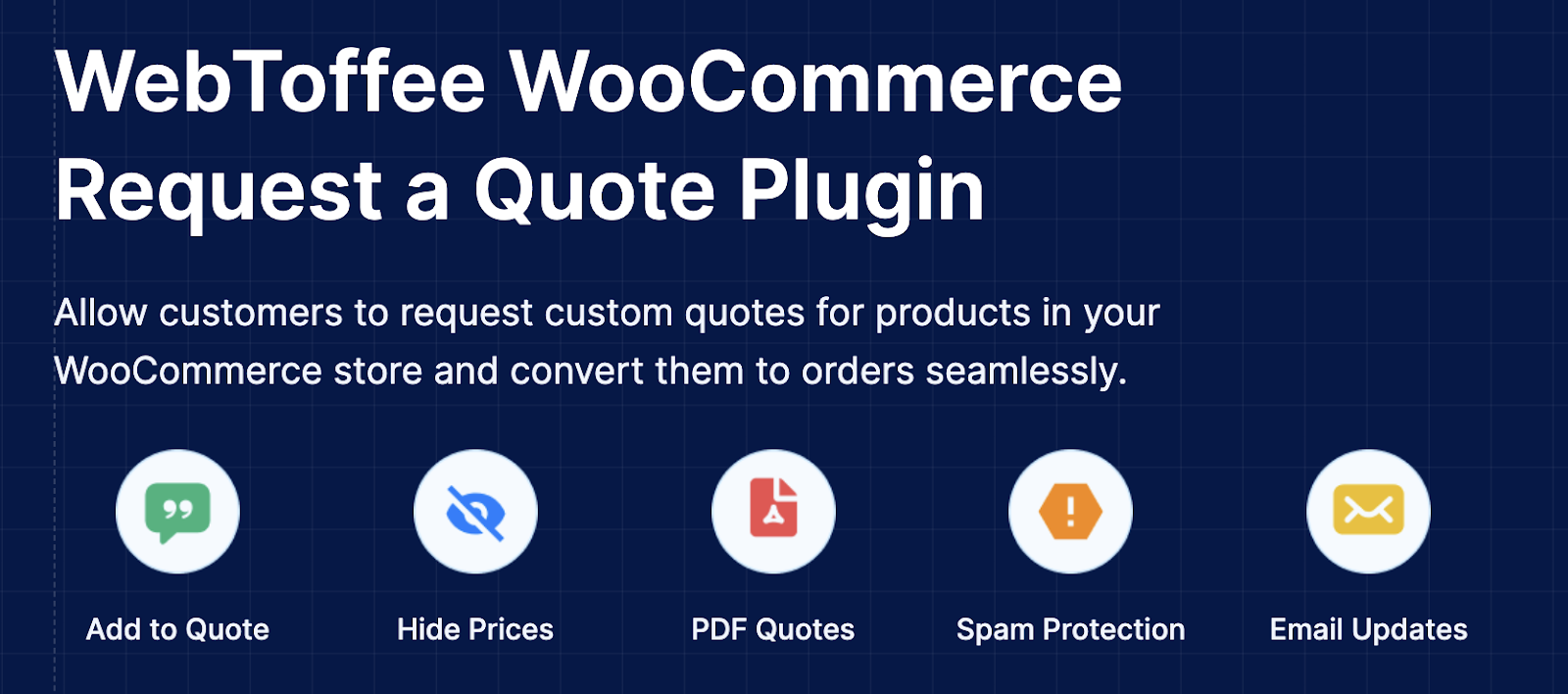
Not every purchase decision happens instantly, especially for bulk orders, custom products, or B2B transactions. Request a Quote for WooCommerce allows customers to ask for pricing before placing an order, giving store owners an opportunity to negotiate and close sales that might otherwise be lost.
The plugin replaces the standard Add to Cart option with a Request a Quote button when needed. Customers can add products to a quote basket, submit a quote request, and share their requirements directly with the store owner. All quote requests are managed from a centralized dashboard where you can review inquiries, adjust pricing, negotiate terms, and respond to customers efficiently. This structured workflow makes it easier to handle pricing discussions without relying on email exchanges or manual tracking.
By opening the door for price discussions and custom offers, the plugin helps convert custom product inquiries into confirmed sales.
Wrapping Up
Increasing sales in WooCommerce often comes down to improving how customers discover products, interact with your store, and complete their purchases. The plugins covered in this list address different parts of that journey, from faster store performance and better product discovery to smarter promotions and flexible purchasing options.
By choosing the tools that align with your store’s needs, you can remove friction, attract more visitors, and create more opportunities for customers to buy. Start with the areas that have the biggest impact on your store and gradually build a WooCommerce setup that supports consistent sales growth.