

Best WooCommerce Plugins: You could be at a wit’s end if you do not find out the reasons behind affected user experiences on your online stores. Not just a single factor contributes to users’ poor shopping experiences; the spectrum is wide.
A trawl through the reasons for these factors will lead you to a conclusion: opt for plugins that offer the missing features and functionality in your online store. It is time to debunk the myth that users’ shopping experiences revolve around the quality of the products only.
The factors that contribute to an unforgettable shopping experience for the customer are:
- Design responsiveness and easy navigation
- Personalized and customized shopping experiences
- Easy and streamlined checkout processes
- Custom checkout fields
- Custom product fields and add-ons
- Website speed and performance
- Customer support and guidance
These are some basic aspects that contribute to building better shopping experiences for customers.
Let’s dig deeper into this blog to explore what are the suitable plugins to add these features to the WooCommerce store and improving the buying experience.
Plugin Features You Must Consider
Not every plugin out there is the ideal fit for you. You must choose and integrate a plugin that caters to your specific requirements and functionality needs.
When improved user experiences are what you want to offer, there are certain features that you must look for in the plugin you choose.
A plugin must be:
- Compatible with your WooCommerce site
- Easy to use with a user-friendly interface
- Lightweight plugin with better optimization
- A scalable solution
- Offering maximum security
- Easy to integrate and compatible with other plugins
- Showcasing user reviews and testimonials
- Affordable pricing and license
- Offer a money-back guarantee
- Offering multi-language and currency support
These are some very basic features that are a must to consider in any of the plugins you choose. If you’re interested, a plugin that offers these features with the basic functionality required, then go with that plugin.
6 Plugins For Ultimate WooCommerce Shopping Experiences
As discussed previously, improved user experiences result from a combination of aspects and factors. Keeping those factors in mind, here is a compilation of the plugins that you can add to your WooCommerce store for a better shopping experience.
1. NitroPack
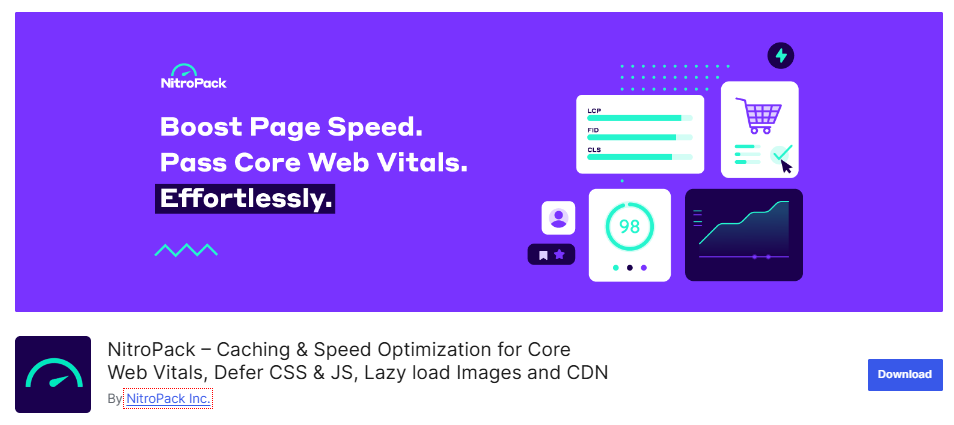
Your web users leave the website immediately if it takes too long to get a response to their requests. NitroPack is one of the plugins to consider when you have poor website speed and performance. With the integration of this plugin into your WooCommerce site, you are identifying and mending the factors that are a barrier to your website speed. The lazy loading of CSS and JavaScript is one such example.
This plugin offers:
- Extensive optimization tools and features
- Image optimization
- Lazy-load images and iframes for improved speed
- Optimized Core Web Vitals
- Advanced caching system
- HTML compression
- JavaScript and CSS minification
- Compatibility with WordPress, WooCommerce, Elementor, and more
To include these features in your WooCommerce site, you can choose a free plan with limited features or a paid plan for $21/month with a 14-day money-back guarantee.
2. AffiliatePress
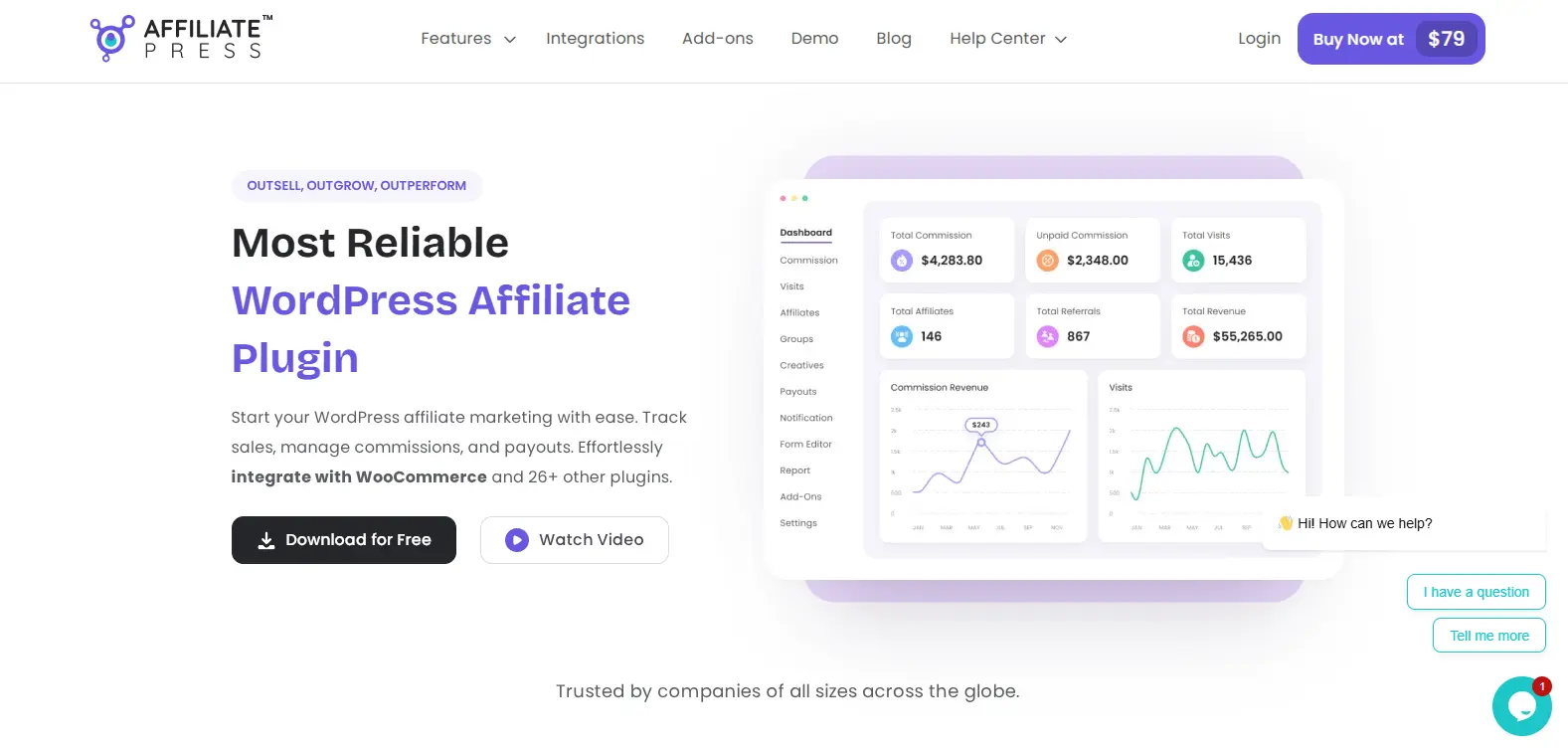
Managing an affiliate program manually can become time-consuming when you need to track affiliates, commissions, referrals, and payouts. AffiliatePress is one of the plugins to consider when you want to create and manage an affiliate program directly from your WordPress site. With the integration of this plugin into your WooCommerce store, you can simplify affiliate management and provide your affiliates with the tools they need to promote your products and services. Affiliate tracking is one such example.
This plugin offers:
- Extensive affiliate management tools and features
- Affiliate registration and management
- Track affiliate visits and referrals
- Commission management
- Affiliate groups
- Creative management
- Payout management
- Affiliate coupon codes
- Multi-level and recurring commissions
- Compatibility with WooCommerce, ARForms, BookingPress, WPForms, and more
To include these features in your WordPress site, you can choose AffiliatePress with plans starting at $79/year with a 14-day money-back guarantee.
3. Product Filter by WBW
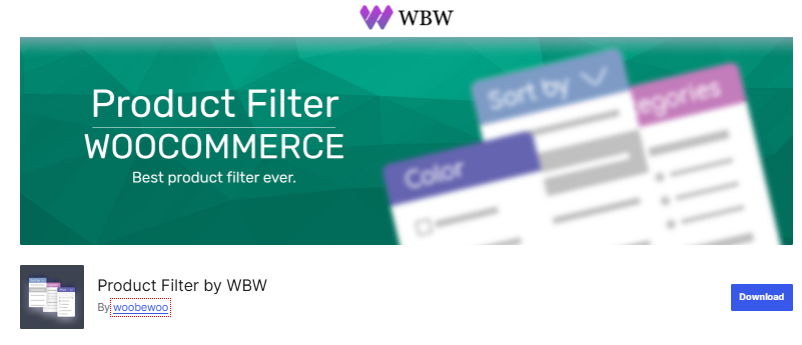
Offering a product filtering and search option without directing the customer to another page is one of the key contributors to their shopping experience. With this plugin, you can not only include one such benefit but also offer a wide range of search options based on different product attributes. These benefits do not end here, as you can make this plugin work with any website design you have for your entire website. You can include different filter types, like dropdown filters, radio filters, checkbox filters, and more.
This plugin offers:
- Wide range of criteria for product filtering
- Product filter formats suiting your website design
- Ajax-based product search
- Live preview of search results for store owners
- Responsive design
- Collect filter results for improving product display
- Sort products by popularity, price, rating, and more
Besides the free version of this plugin, the premium version costs $49 for one site, $99 for five sites, and $199 for unlimited sites annually.
4. Ultimate Custom Product Fields Plugin
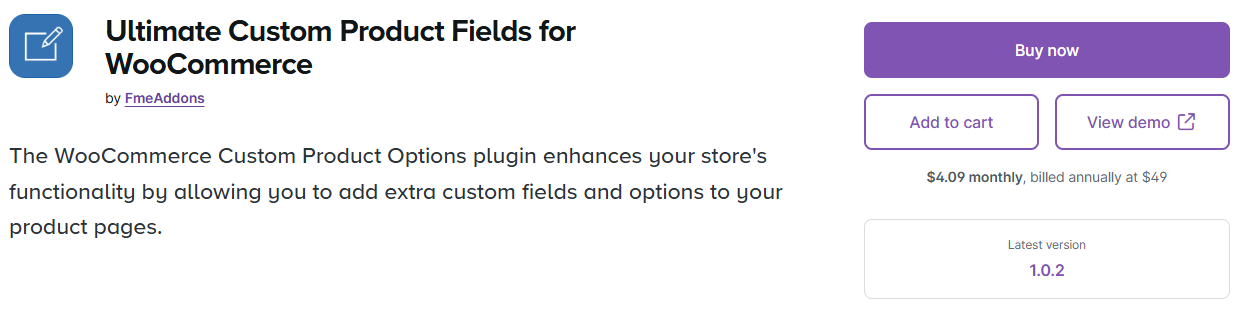
One of the best plugins by far that has a lot to offer when it comes to providing an unforgettable shopping experience to customers. Nothing can beat the significance of the freedom you give to your web users in customizing their orders with their preferred add-ons through custom product fields. Product add-ons for WooCommerce make it possible to get rid of the traditional product fields and introduce a wide range of product add-ons for WooCommerce to enable customers to have a personalized buying experience.
This plugin offers:
The product add-on plugin by FmeAddons offers these features:
- Up to 19 product field types
- Field-based pricing
- Opportunity to add color swatches
- Conditional display of product fields
- Easy sorting of fields with simple drag-and-drop
- Define rules for certain products and product categories
- Ease of duplicating the field rules
- Edit and delete existing fields
- Set mandatory and optional product fields
- Define rules for individual fields
- File upload options for users
- Display/hide fields for specific products and categories
These are the features that can make your product pages highly manageable and offer a better user experience. To get these features, you can integrate this plugin for $49 annually.
5. Fluid Checkout Plugin
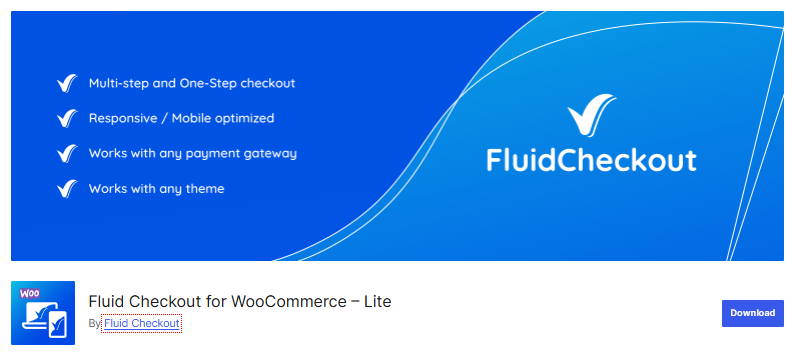
Yet another significant and must-have plugin for improved buying experiences for WooCommerce customers is the Fluid Checkout plugin. Complex and extra checkout fields always lead to sales friction and higher cart abandonment rates. By simplifying the checkout process and only adding what needs to be added, you can encourage customers to complete the checkout process. With poorly built checkout pages with no custom checkout fields, the customer’s patience is tested to another level. So, use a plugin that lets you customize the checkout fields and pages and offers a smooth buying experience.
This plugin offers:
- Optimized checkout page
- Checkout page design templates
- Custom order received: “Thank You” page
- Trust symbols on multiple pages
- Gift messages and packing slips
- Hidden optional fields
- Automatic saving of customer data
- Multi-step and one-step checkout pages
- Field validation
- The coupon field on the checkout and cart pages
The cost of Fluid Checkout PRO is 99 EUR/year, and the cost of the Fluid Checkout PRO+ Complete bundle is 129 EUR/year. Both these premium versions vary in the number of features offered.
6. Order Delivery Date Pro for WooCommerce
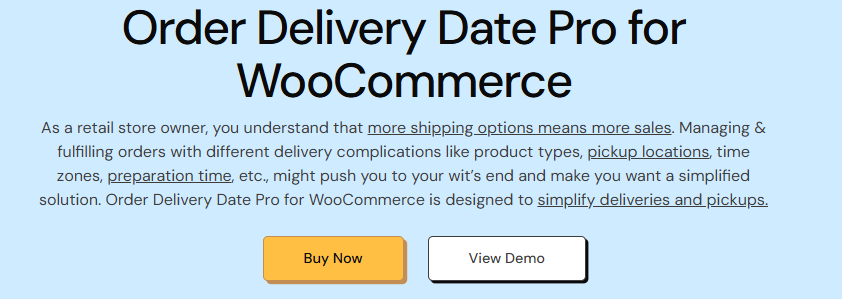
It is often misunderstood that letting the web user choose delivery dates and shipment details does not have a significant impact on improved experiences, but the reality is farfetched. Order Delivery Date Pro for WooCommerce is one of the plugins that enables WooCommerce users to customize their delivery and pickup details. It is also a useful plugin for store owners in terms of the benefits it offers. However, the sparkle of this plugin is dulled by plugins offering custom product field options where the user can somehow share the changes in the delivery and shipping details.
This plugin offers:
- Schedule local deliveries and pickups
- Schedule deliveries for specific categories
- Set charges for special delivery dates and days
- Flexible delivery date selection on checkout pages
- Conditional Based Delivery Date Selection Options
- Set minimum delivery time
- Manage delivery and pickup dates for specific locations
- Send reminders before delivery
- Free up delivery slots for order cancellations
- Assign priority to scheduled delivery dates
The number of features offered by this delivery date plugin is extensive. These features vary with the version you choose. The pro version comes with most of the features for $149/year for one site, $299/year for five stores, and $349/year for ten stores.
Which Plugin Would You Choose?
The key takeaway from this blog is that user experiences matter the most for improved conversions and sales for WooCommerce solutions. To offer a great and memorable shopping experience to your customers, you need to get rid of the shackles of traditional Woo stores.
Either of the plugins mentioned above aims to improve your web user experience and provide them with a smooth shopping experience. You must choose a plugin that is an all-in-one package; the choice is all yours.